
A kid who wants to make their own comic, safely
The short version
- Add their profile with a monthly limit before they start.
- Their screens fit one view, with a star for credits and a flag to tell you.
- Nothing they share is seen without your yes.
Say your nine-year-old fills notebooks with comics about a cat detective. They have asked to "make it real," and you are happy for them to, but you do not want them on an adult app, spending your money freely, or sharing with strangers.
The situation
What you do
Step 1: Add their profile
In Settings, open "Family: kids and teens" and press "Add a child or a teen." Give a nickname, their birth month and year (they land in "Big kids, 9 to 12"), and choose "Let them choose" for a setup code. Give your permission once.
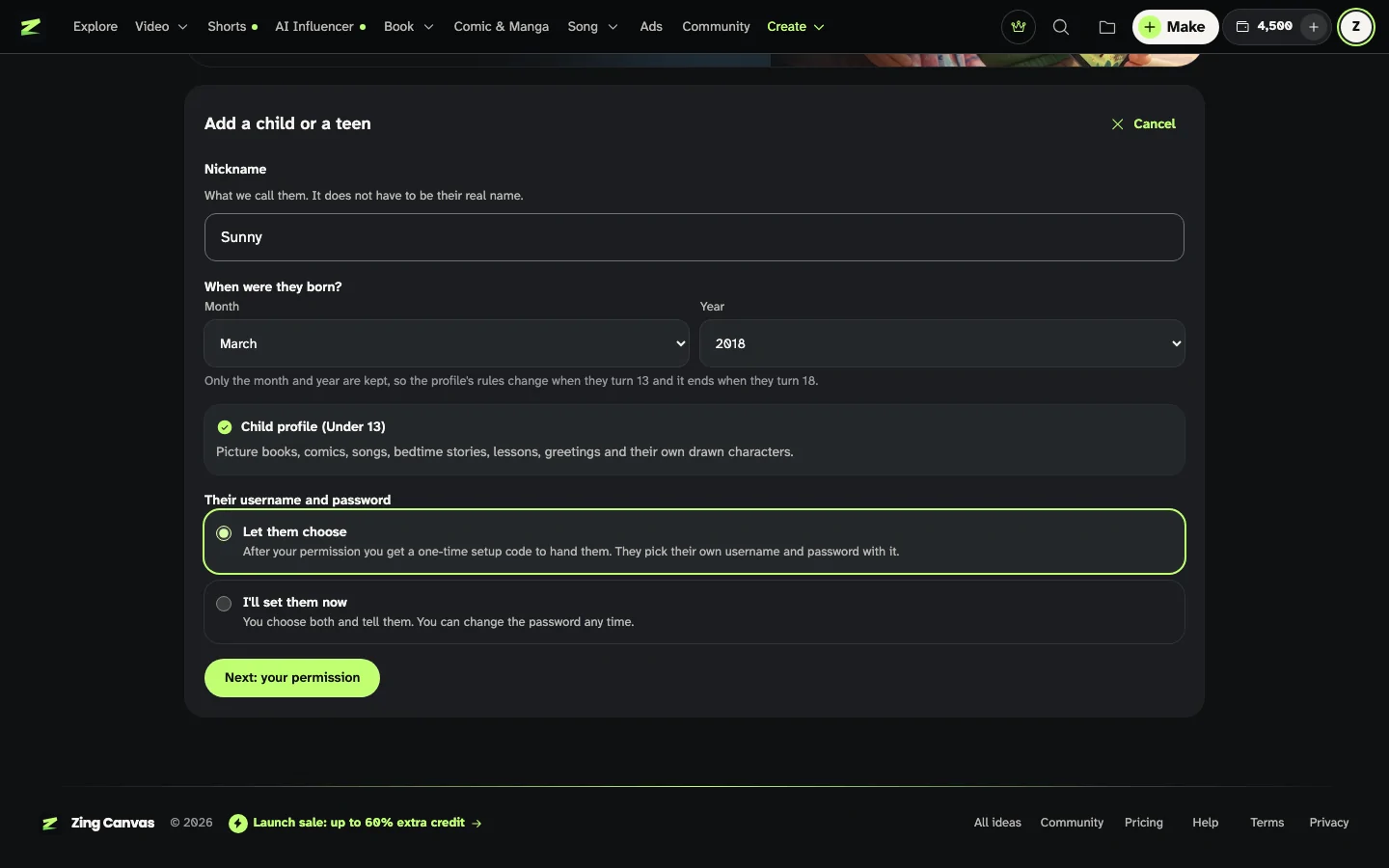
Adding a profile: a nickname, the month and year they were born, and how they will sign in. Step 2: Set a limit and the studios
Set "Spending limit per month" to 500 credits. Under "Studios on or off," leave "Picture books and comics" on. Set "Quiet hours" for school nights.
Free
Step 3: Let them sign in
They sign in at /family-login with the code. Their Home has round places, a star with their credits, and a "Not right?" flag on every page. Every screen fits on one view.
Step 4: They make the comic
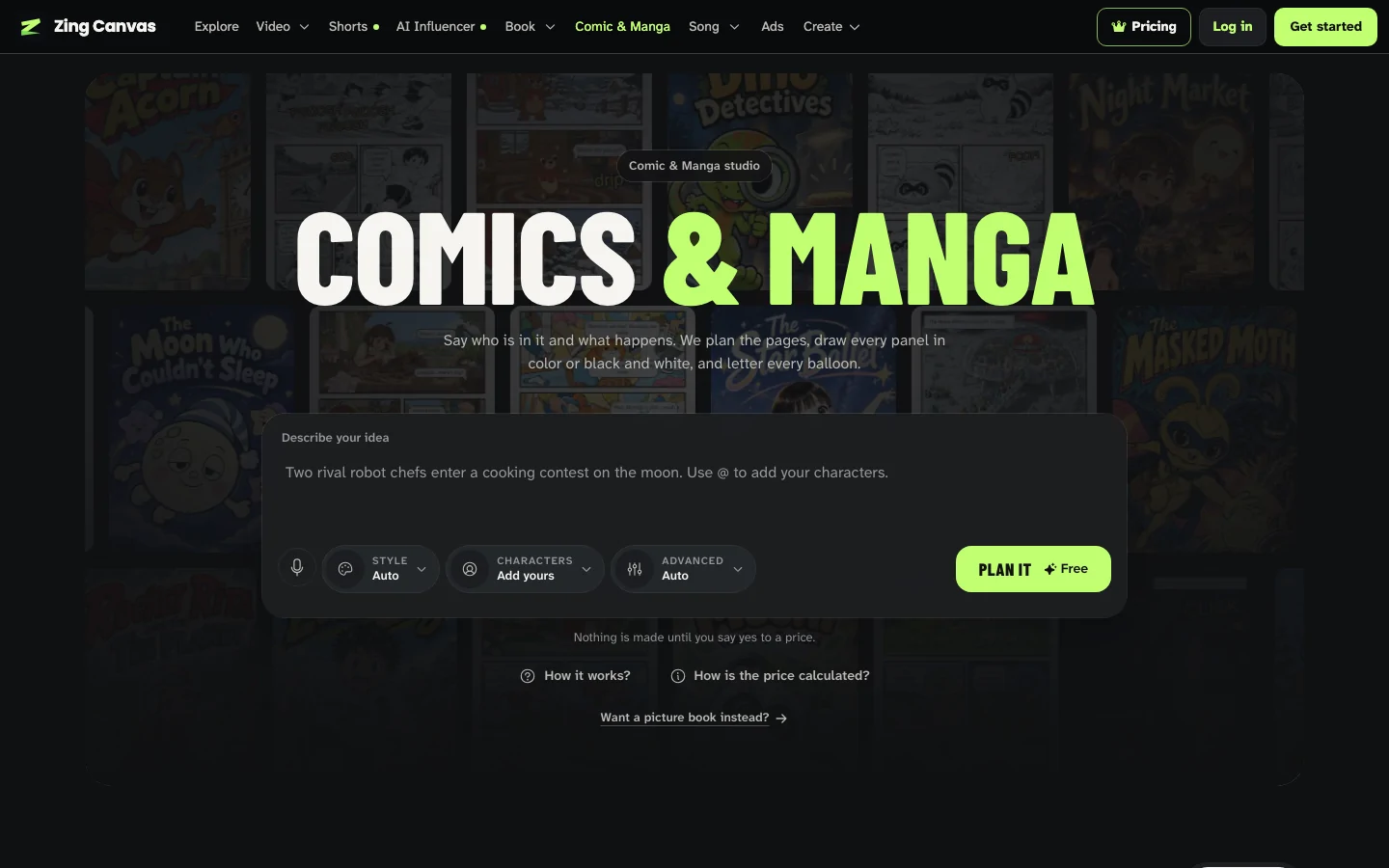
They tap "Comic," say or type the idea ("Detective Whiskers solves the case of the missing fish"), choose "How big?", and press "Make it!" The cost shows as stars before they press.
Price shown in stars before they press
Step 5: You approve before anyone sees it
If you turned sharing on, their post waits for your "Approve" or "Not now." Other children comment only with fixed friendly phrases, and only children in their age group see it.
Why it works
They get a real tool that turns their ideas into comics, and you get a monthly limit, the studios you choose, quiet hours, and your yes before anything is shared. Full steps: parental controls and how to make a comic.
Make it yourself
Who wrote this
The team building Zing Canvas
Written by the people who build Zing Canvas: step-by-step guides to making picture books, comics, bedtime stories, greetings, songs, music videos, shorts and ads in Zing Canvas, with the real screens, what each step costs, and the everyday problems they solve.