
A bedtime story starring your child, tonight
The short version
- Start after dinner so it is ready by bedtime.
- Put the thing on their mind into the story, gently.
- Play it in sleep mode: dim, quiet, and it stops on its own.
Say you are a parent at 6:30 on a Tuesday. Your four-year-old starts at a new preschool tomorrow, and they are nervous. They have heard every book on the shelf twenty times, and tonight they want "a story about me." You do not have time to write one, and you are not going to draw one.
The situation
What you do
Step 1: Open Bedtime after dinner, not at lights-out
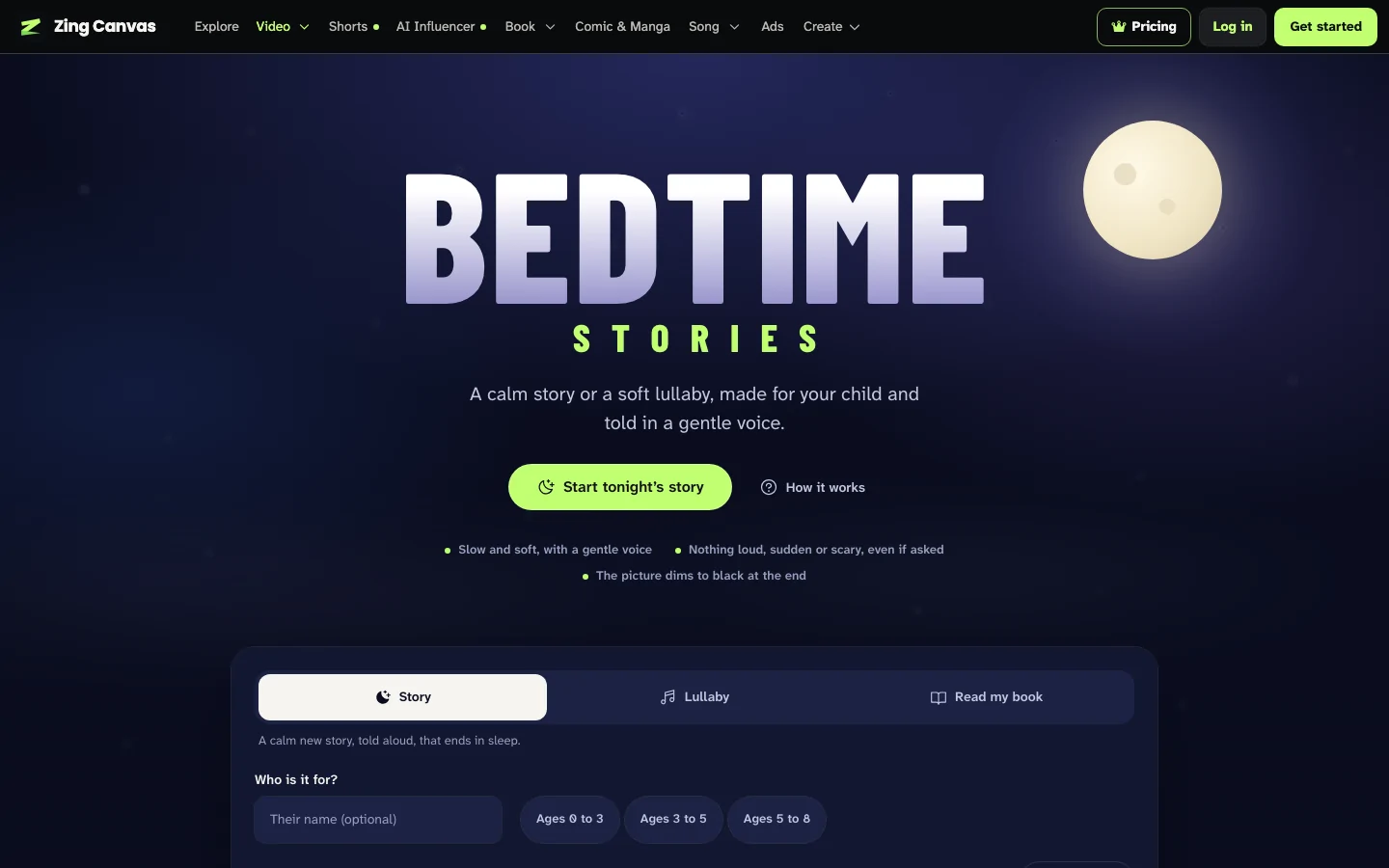
Go to /app/make/bedtime and pick "Story." Making takes a while, so start it now.
Step 2: Put the worry in the story
Type their name in "Who is it for?", pick "Ages 3 to 5," and in "What is it about?" write the thing they are worried about, gently: "A little rabbit named after Theo who is nervous about his first day at a new school, and a kind owl who tells him what will happen." A story where a small animal faces the same thing calmly gives your child a picture to take into tomorrow.
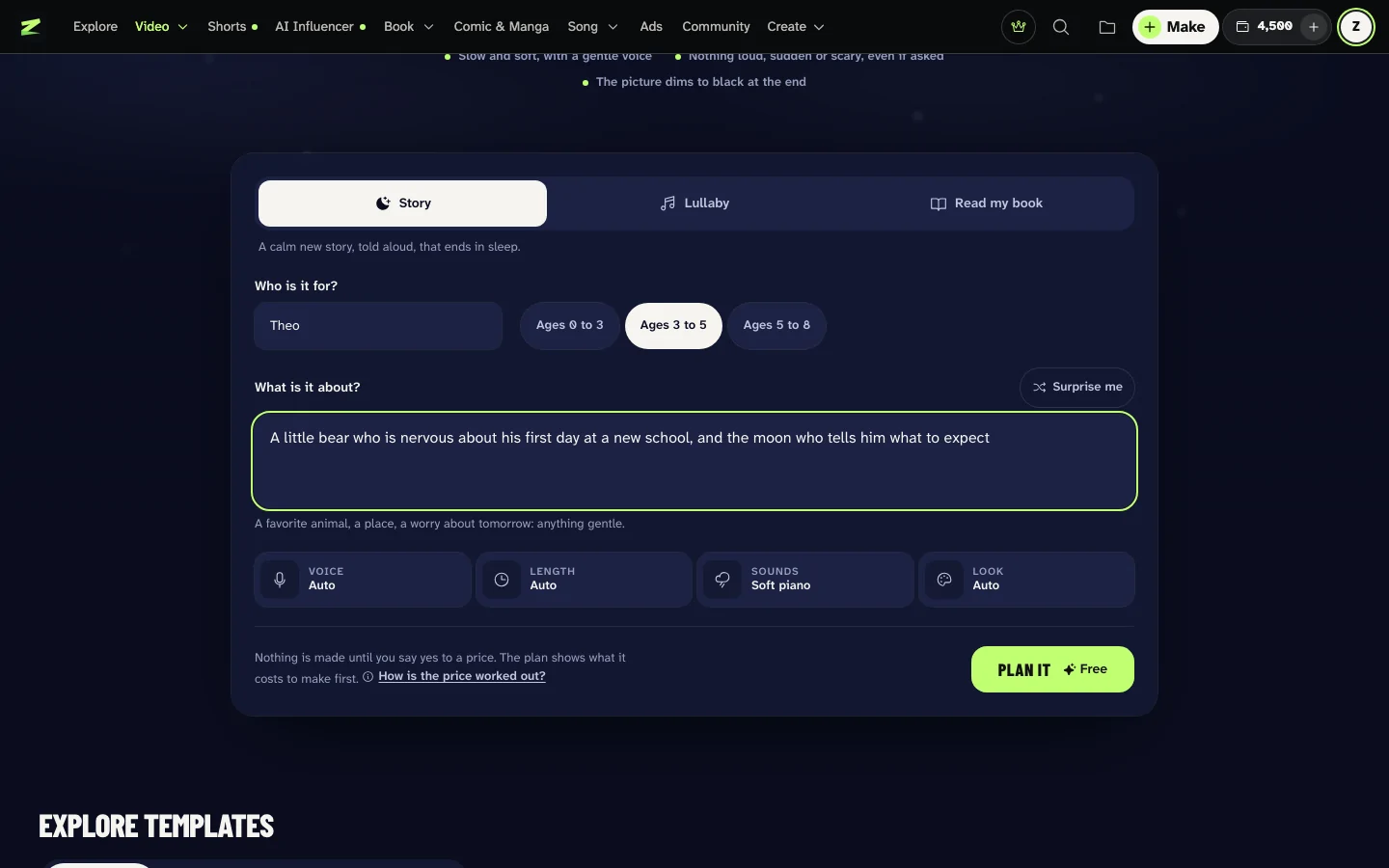
The Story composer filled in. Step 3: Pick a voice they will find calming
Open "Voice" and press play on two or three narrators. "Bill" ("A kind grandpa") and "Sarah" ("Calm and reassuring") are good places to start. Add "Soft rain" under Sounds if they like rain on the window.
Step 4: Plan it, read it, then say yes
Press "PLAN IT · Free," read the story, and ask for anything you want changed: "Have the owl say his teacher's name is Ms. Park." Then press the make button on the Plan card. The price is shown before anything is made.
Planning free; price on the Plan card
Step 5: Bath, pajamas, teeth
The video is made while you do the evening routine.
Step 6: Play it in sleep mode
Open "Tonight," press "Sleep mode," set "Dim" to "Darkest" and the timer to 10 minutes. It plays dim over black and stops on its own with "Good night."
Free
Why it works
Nothing in a bedtime video is loud, sudden or scary, even if your child asks for a dragon. It ends in sleep and the screen goes dark. And because it is about them and the thing on their mind, it is the story they ask for again tomorrow.
Want a book they can hold too? Make the same story as a Tiny or Mini picture book and choose "Read my book" next time. See how to make a picture book. Full steps for tonight: how to make a bedtime story video.
Make it yourself
Who wrote this
The team building Zing Canvas
Written by the people who build Zing Canvas: step-by-step guides to making picture books, comics, bedtime stories, greetings, songs, music videos, shorts and ads in Zing Canvas, with the real screens, what each step costs, and the everyday problems they solve.