
A birthday greeting for Grandma, from far away
The short version
- Type her name, age and who it is from exactly; they appear as typed.
- Tell us what she loves so the video is hers.
- Add a song with her name for a second gift.
Say your grandmother turns 80 on Saturday, and you live two time zones away. A card in the mail feels small. A video call will happen, but you want something she can play again, show her friends and keep.
The situation
What you do
Step 1: Open Greetings
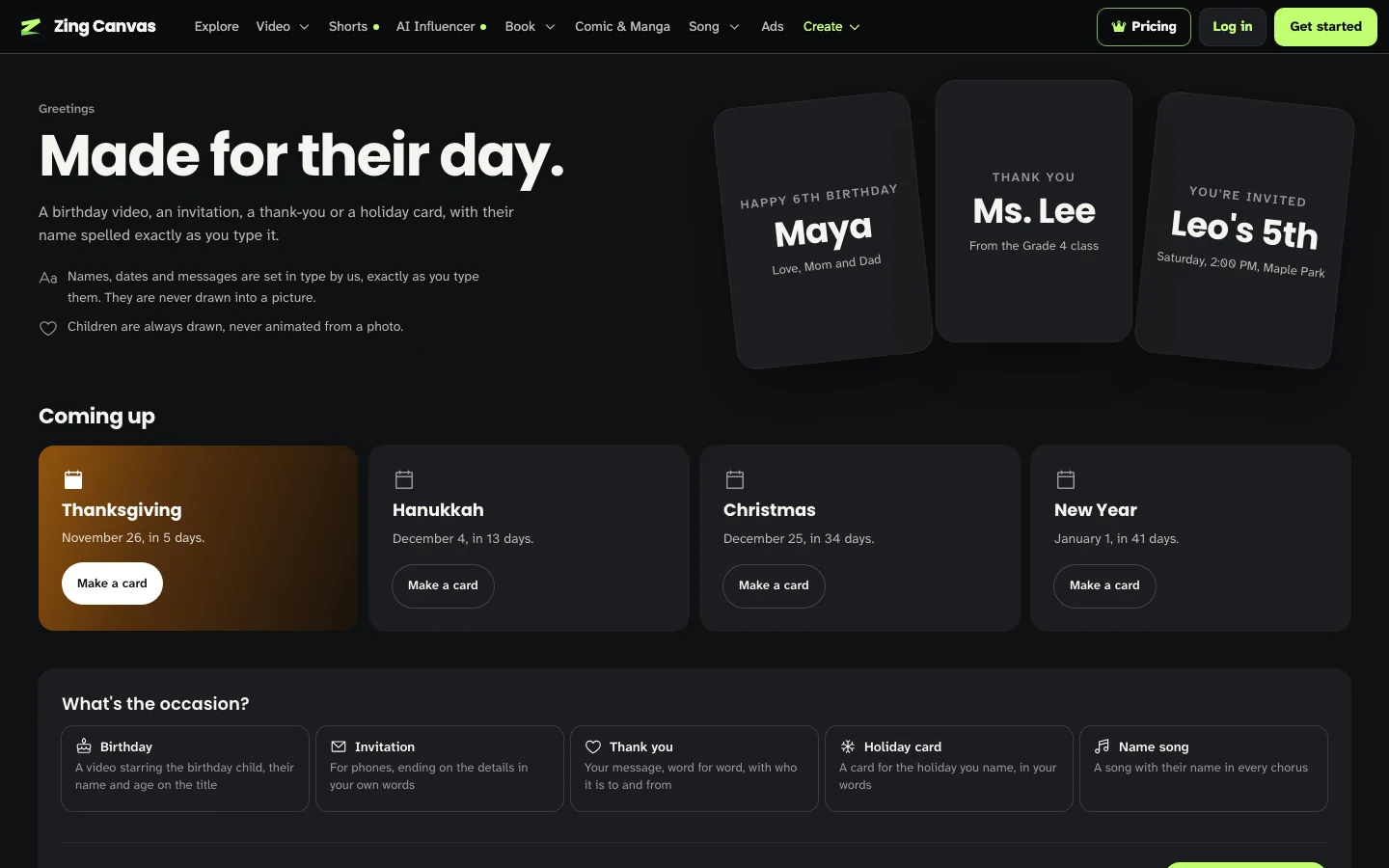
Go to /app/make/greetings and pick "Birthday."
Step 2: Type her name and age, exactly
"Their name": "Grandma Rose" (or however the family says it). "The age they are turning": 80. "Who it is from": "Sam, Priya and the kids." Names and numbers are set in type exactly as typed, never drawn into a picture.
Step 3: Tell us what she loves
In "Anything else we should know?": "She grows roses, beats everyone at cards, and makes the best apple pie." Those details make it hers.
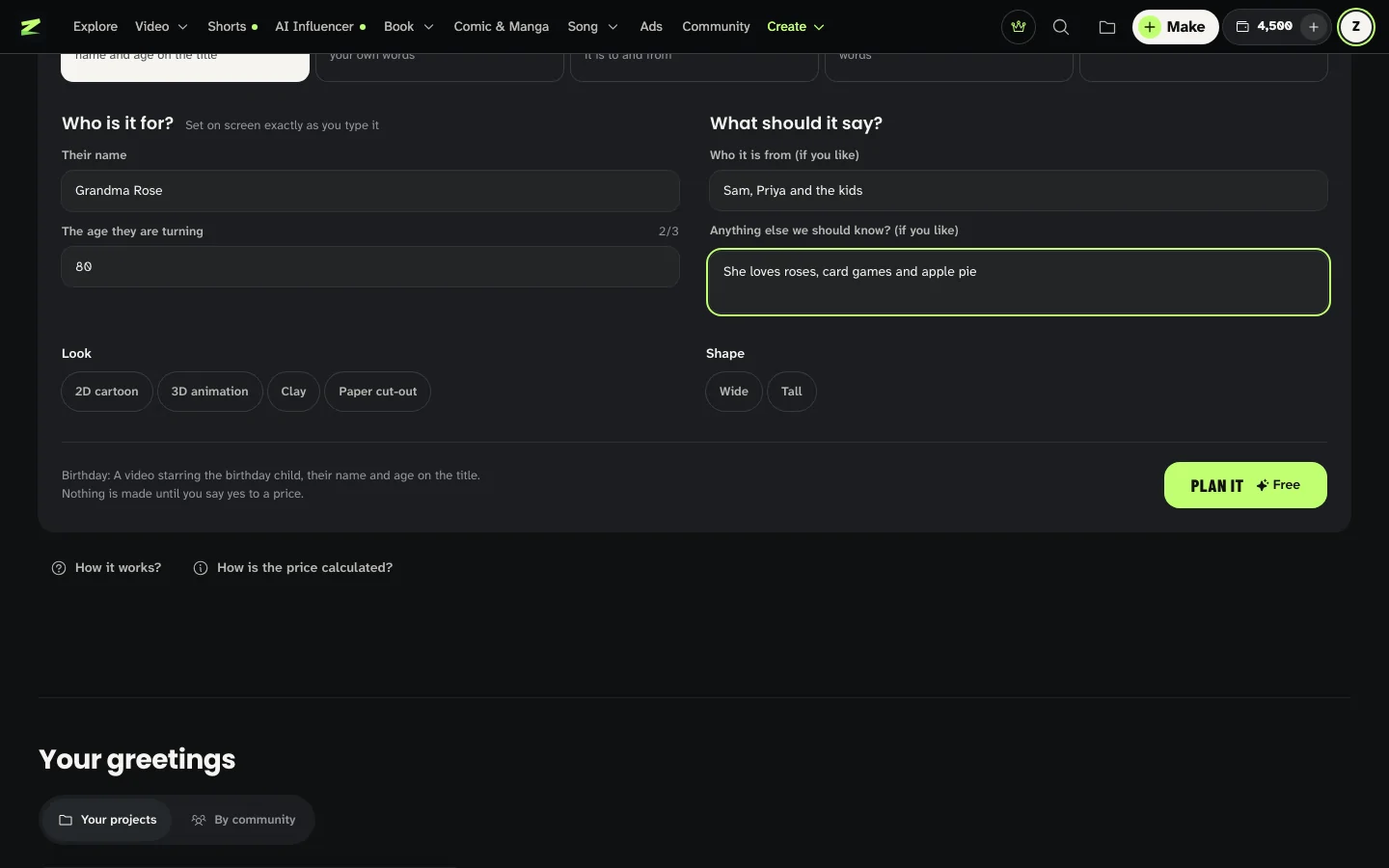
Grandma Rose, 80, from Sam, Priya and the kids, each set on screen exactly as typed. Step 4: Pick a warm look and Wide
"Paper cut-out" or "Clay" feels handmade. Wide plays well on a tablet or TV.
Step 5: Plan it, check every word, make it
Press "PLAN IT · Free." Read the plan, then read her name twice. Press the Plan card's button: "Make my video · about N credits," or "Add credit and make my video" if your credit does not cover it yet. It takes about 25 minutes, and you get an email when it is ready.
Planning free; price on the Plan card
Step 6: Add a song (optional)
On the Song studio, type "A birthday song for Grandma Rose, who grows roses and beats everyone at cards," pick Folk or Country and "Happy." The price is on the button.
Price on the button
Why it works
The parts that must be exactly right (her name, her age, who it is from) are typed by you and shown exactly as typed. Everything else is planned around the things she loves. Full steps: how to make a birthday video and how to make a custom song.
Make it yourself
Who wrote this
The team building Zing Canvas
Written by the people who build Zing Canvas: step-by-step guides to making picture books, comics, bedtime stories, greetings, songs, music videos, shorts and ads in Zing Canvas, with the real screens, what each step costs, and the everyday problems they solve.