
The short version
- One good daylight photo of the product is enough to start.
- Type your own headline and button text; they are set exactly.
- Check the product is on screen in the first second, then post.
Say you run a small shop that sells insulated water bottles. The holiday rush starts next week. You know a short video ad would do better than another photo post, but a videographer is booked for weeks and out of budget. You have your phone and a good bottle.
The situation
What you do
Step 1: Take one good photo
Put your best-selling bottle on a plain table by a window in daylight. Fill most of the frame. No other products in view.
Step 2: Open the Ads studio
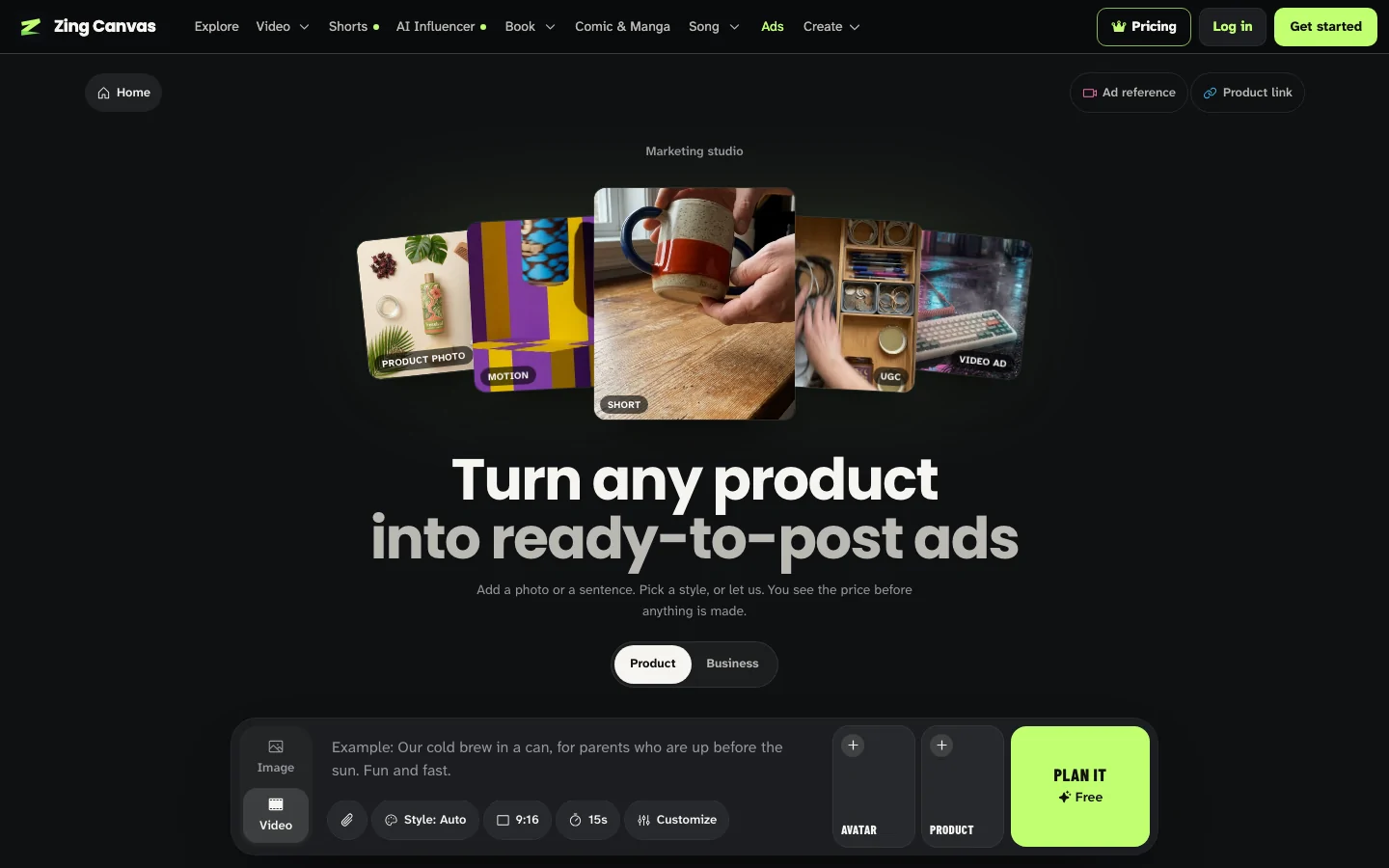
Go to /app/make/ads, keep the "Product" door, pick "Video," and press the "Product" tile. Upload your photo, check the name and description under "Is this your product?", and press "Use this product."
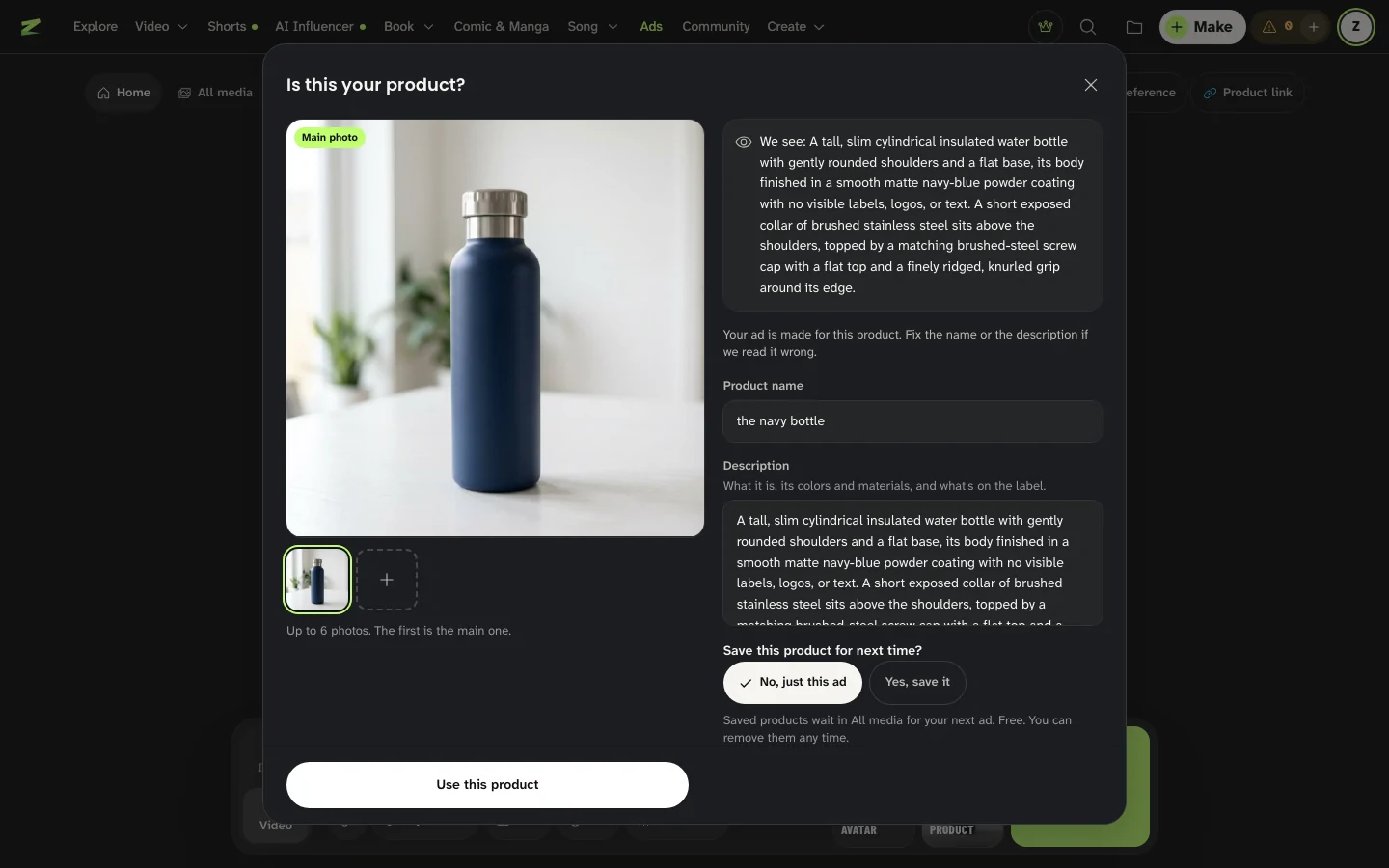
"Is this your product?" Check the name and description before your ad is made for it. Step 3: Pick where it will run
Shape 9:16 for Stories and Reels. Length 10s.
Step 4: Type your words
Open "Customize your ad" and go to "Step 3 of 4: What should it say?" Headline: "Cold all day, every day." Button text: "Shop now." They are set exactly as you type them. Add your website in Step 1 so your colors and logo are pulled in, for free.
Step 5: Plan it, then make it
Press "Next: Check and plan," read the four cards, then press "Plan it." Read the scenes. Make sure the bottle is on screen in the first second. The Plan card shows the price before anything is made.
Planning free; price on the Plan card
Step 6: Post it, with the offer in the caption
Download from Share and post. Type your offer in the caption too; your offer is never invented for you.
Why it works
You bring the product and the words; the ad is planned, shot and cut around them. You see every scene and the price first. Try a second concept next week and keep the one that sells. Full steps: how to make a product ad.
Make it yourself
Who wrote this
The team building Zing Canvas
Written by the people who build Zing Canvas: step-by-step guides to making picture books, comics, bedtime stories, greetings, songs, music videos, shorts and ads in Zing Canvas, with the real screens, what each step costs, and the everyday problems they solve.