
How to make learning cards and a printable worksheet
The short version
- Ask one question, phrased the way a learner would ask it.
- Read the written cards against your own lesson before anything is drawn; each button shows its price.
- Each set has Did you know?, a three-question quiz, Read to me and a printable worksheet.
- Make the same question for two ages to teach mixed levels.
This guide is for teachers, homeschooling parents and curious kids who want a topic explained simply: how plants make their food, why the moon changes shape, what a fraction is. You will end up with a set of 4 or 6 drawn cards, each with a short explanation, plus "Did you know?" facts and a three-question quiz, to read on screen, have read aloud, or print as a worksheet.
Who this is for
Learning cards are at /app/make/learn/cards. You can reach them from the Learn page; lesson videos on that page are opening soon, and the cards are open now.
How to make learning cards and a printable worksheet
Step 1: Ask your question
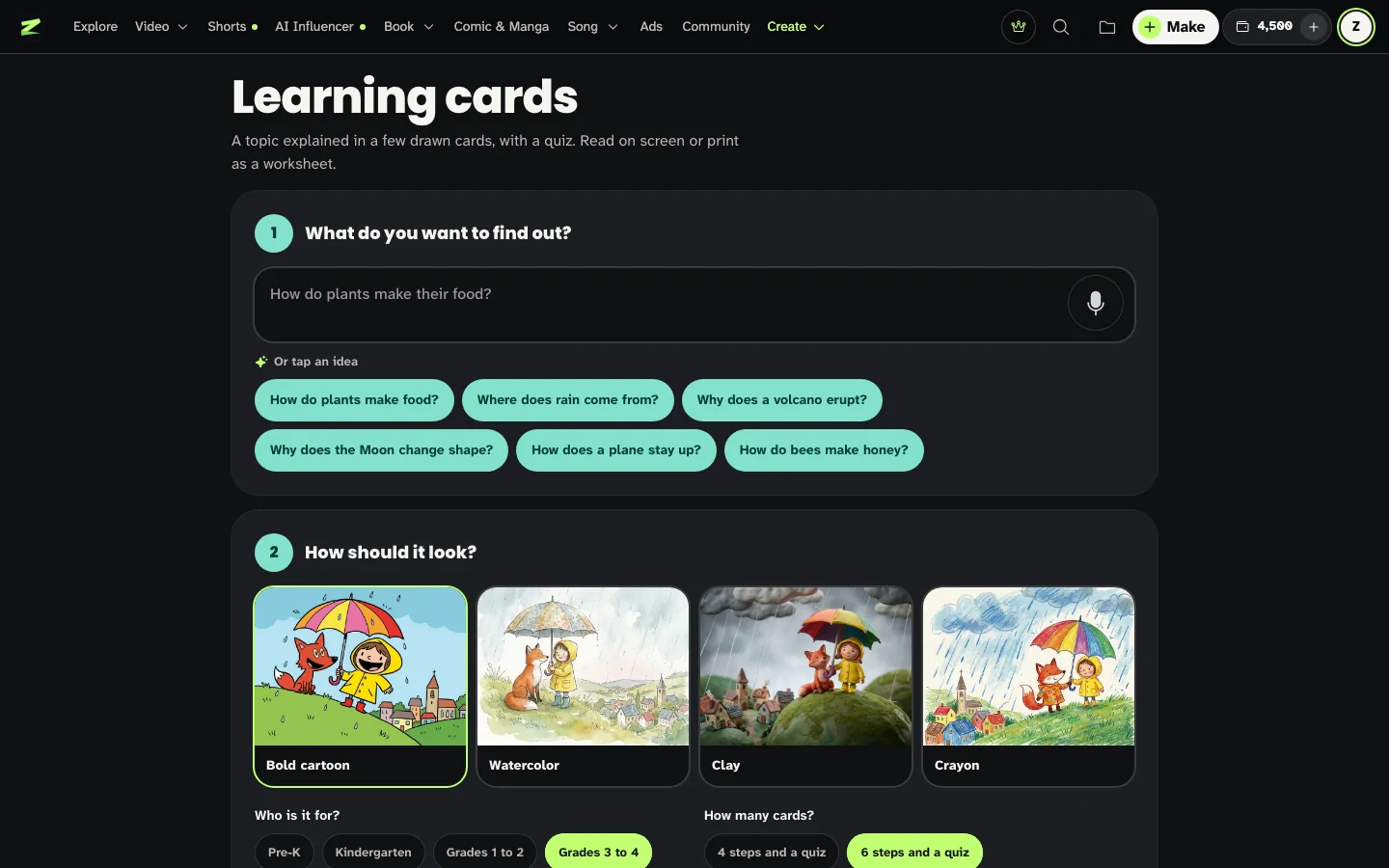
In "What do you want to find out?" type the question as a learner would ask it: "How do plants make their food?" You can also press the mic and say it. Or tap an idea under "Or tap an idea," such as "Where does rain come from?" or "How do bees make honey?"
Phrase it as a question, and keep it to one idea. "Photosynthesis" is a topic; "How do plants make their food?" is a question with an answer that fits on a few cards. A question that needs a whole unit ("Everything about the Civil War") will come back thin; split it into several sets.
Some questions that make good sets, by age:
- Pre-K and kindergarten — "Why do leaves change color?", "Where do puddles go?", "How do caterpillars become butterflies?"
- Grades 1 to 3 — "How do plants make their food?", "Why does the moon change shape?", "How do bees make honey?"
- Grades 4 to 6 — "How does a volcano erupt?", "Why do we have seasons?", "What is a fraction, really?"
- Middle school and up — "How does a vaccine teach the body?", "Why did the Roman Empire split?", "How does a bill become a law?"
- Adults — "How does compound interest work?", "What happens when you press send on an email?"
Step 2: Choose the look, the age and the number of cards
Four cards suit a quick warm-up or a young learner. Six suit a full explanation with steps.
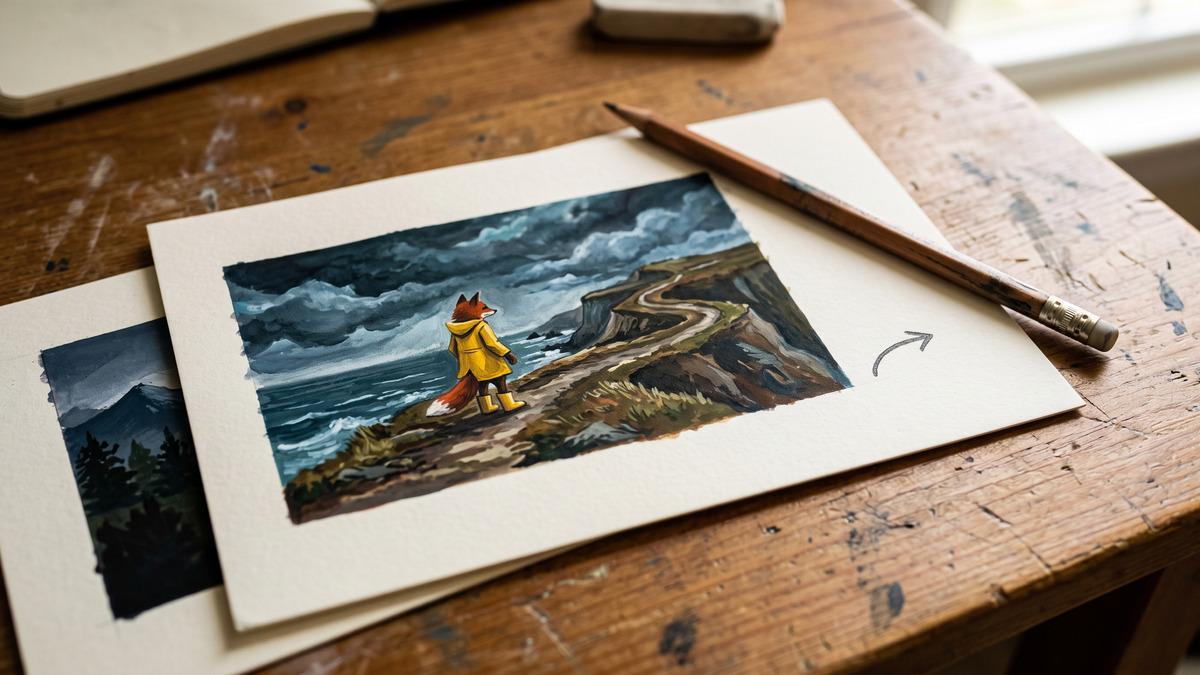
- "How should it look?" — "Bold cartoon," "Watercolor," "Clay" or "Crayon."
- "Who is it for?" — "Pre-K," "Kindergarten," "Grades 1 to 2," "Grades 3 to 4," "Grades 5 to 6," "Grades 7 to 8," "High school" or "Adults." The age sets the words and the quiz.
- "How many cards?" — "4 steps and a quiz" or "6 steps and a quiz."
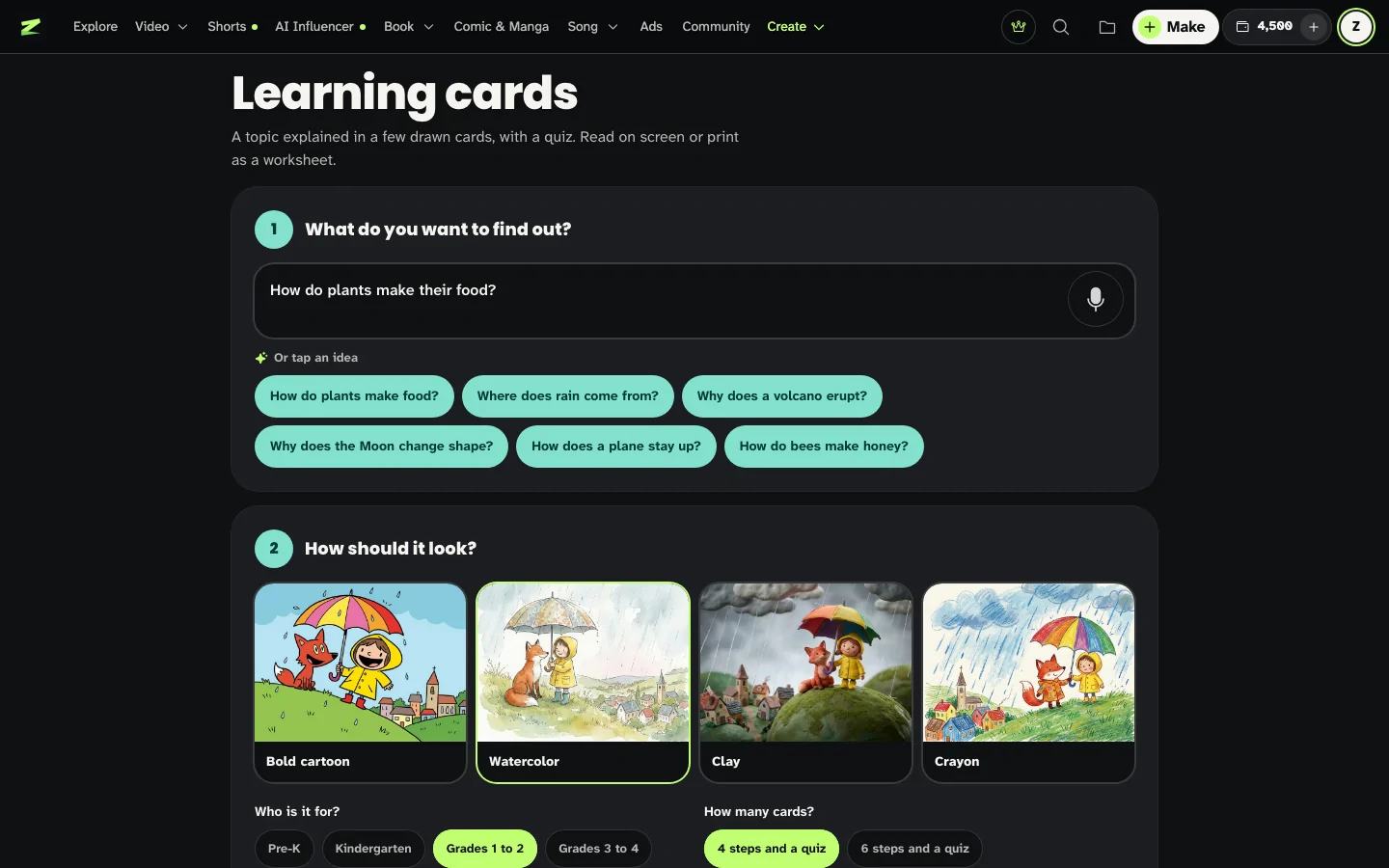
"How do plants make their food?" in Watercolor, for Grades 1 to 2, as 4 steps and a quiz. Step 3: Write the cards and read them
Press "Write my cards." The button shows what writing costs, if anything, before you press it, and nothing is drawn until you say yes. Read every card. This is where to make sure the words match what you teach and the way your class says things. Write them again if they do not read right yet.
Price on the button
As a teacher, check the facts against your own materials. The cards are a starting point for your lesson, not a replacement for your judgment.
Things to look for as you read:
- Words your students know. — If a card uses a word your class has not met yet, either keep it on purpose as the new word of the day, or write the cards again for a younger age.
- One idea per card. — Each card should move the explanation one step forward. If two cards say the same thing, write them again with fewer cards.
- The order. — A how question usually has steps. Check that the cards go in the order the steps happen.
- The quiz. — Each quiz question should be answerable from the cards alone. If one needs outside knowledge, write the set again.
Getting the words right now, before the pictures, is the cheapest moment to change anything: the drawing is the part that takes the most.
Step 4: Draw the pictures
When the words are right, press "Draw the pictures," which shows its price on the button.
Price on the button
Step 5: Read, listen, quiz and print
Each set has "Did you know?", a three-question "Quiz," "Read to me" (free, read aloud in the device's own voice) and "Print a worksheet." "New set of cards" starts another.
Free
Use "Read to me" for early readers, the quiz as an exit ticket, and the worksheet for homework.
Ways to use learning cards in a lesson
As a warm-up. Show the first card on the board as students come in and ask what they think the answer is. Reveal the rest of the set as the lesson opens. It turns the question into something they want answered.
As a station. Print a set for each table. Students read the cards in pairs, then answer the quiz together. With six cards, a group can each take one card and teach it to the others.
As an exit ticket. Use the three quiz questions at the end of class. You learn in two minutes who got it and who needs another go tomorrow.
For early readers. "Read to me" reads each card aloud, so a child who cannot read every word yet can still follow. Pair it with the pictures and let them point to what they hear.
At home. A parent can make a set the night before a test, on the exact topic the class is studying, and go through the quiz over breakfast.
For different levels in one class. Make the same question twice, once for "Grades 1 to 2" and once for "Grades 3 to 4." The same topic, the right words for each reader.
Writing a good question
The best questions start with "how" or "why": "How does a sprout know which way is up?", "Why do we have leap years?" They have an answer with steps, which is exactly what a few cards can hold. "What" questions work too, if they are specific: "What happens to the water in a puddle?" Avoid yes-or-no questions; they leave the cards with nothing to explain.
What it costs
Writing the words and drawing the pictures each show their price on their button before you press it, in credits (1 credit is 1 cent). Reading aloud and printing are free. See pricing.
Common mistakes
- A topic instead of a question. — Ask what you want answered.
- Drawing before reading. — Read the words first, before anything is drawn.
- The wrong age. — Pick the reader's age, not the subject's.
- Too much in one set. — Split a big topic into several sets.
Questions
Is there a lesson video too?
Lesson videos are opening soon on the Learn page. Press "Tell me when it opens" to hear first. Meanwhile, the Video Studio's "Lesson or how-to" story kind makes a short teaching story; see a lesson before class.
Can I print them?
Yes, "Print a worksheet."
Does Read to me cost anything?
No, it uses your device's voice.
Can kids make them?
Yes, a child's profile can open them within the limits you set.
Which look should I pick?
"Bold cartoon" reads clearly from the back of a classroom and prints well in black and white. "Watercolor" feels gentle for young readers. "Clay" makes objects look solid, which suits science topics. "Crayon" feels like a child drew it, which suits early grades.
Make it yourself
Who wrote this
The team building Zing Canvas
Written by the people who build Zing Canvas: step-by-step guides to making picture books, comics, bedtime stories, greetings, songs, music videos, shorts and ads in Zing Canvas, with the real screens, what each step costs, and the everyday problems they solve.