

Latest
- Video
- How-to
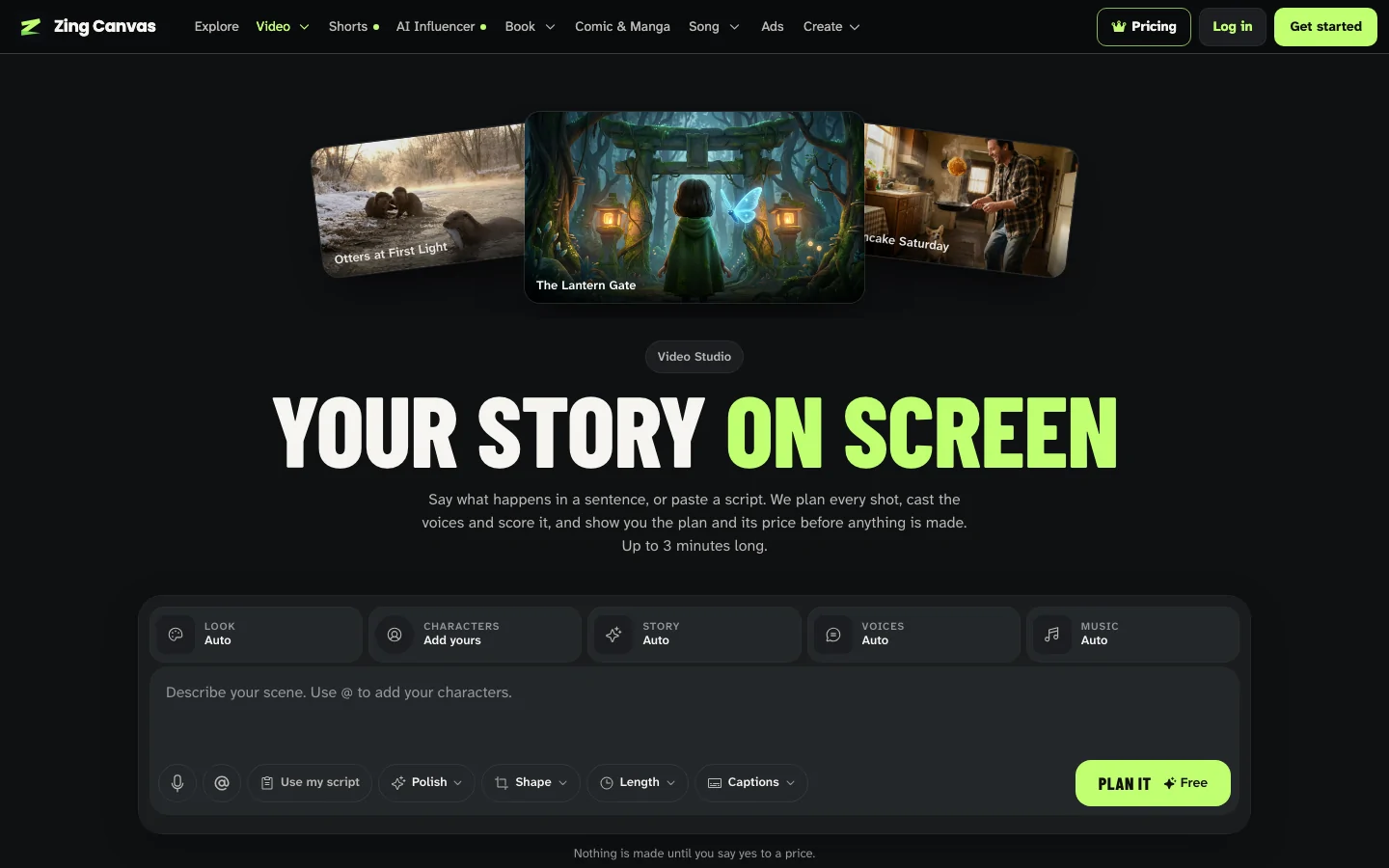
How to make an animated video from one sentence
Turn one sentence or your own script into an animated video up to 3 minutes long. Step by step in the Zing Canvas Video Studio, with prices up front.
9 min read
Step-by-step guides to making things in Zing Canvas, with the real screens. Picture books, comics, bedtime stories, greetings, songs, music videos, shorts and ads: what to press, what each step costs, and everyday problems solved start to finish.
Topics
12 posts about How-to
Latest
Turn one sentence or your own script into an animated video up to 3 minutes long. Step by step in the Zing Canvas Video Studio, with prices up front.
9 min read
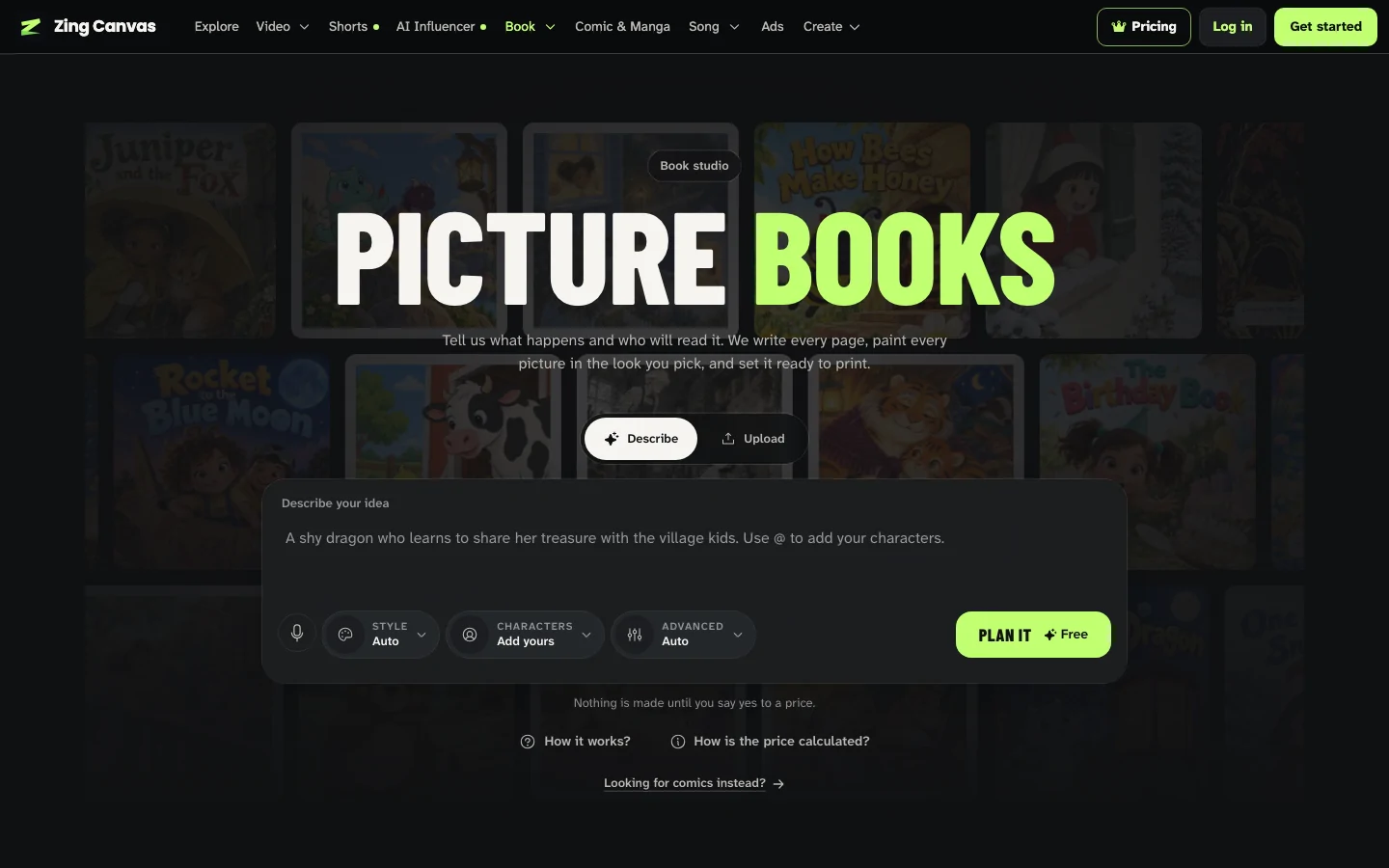
Write, illustrate and download a picture book starring your own characters. Pick an age, a look and a length, and see the price before anything is drawn.
9 min read
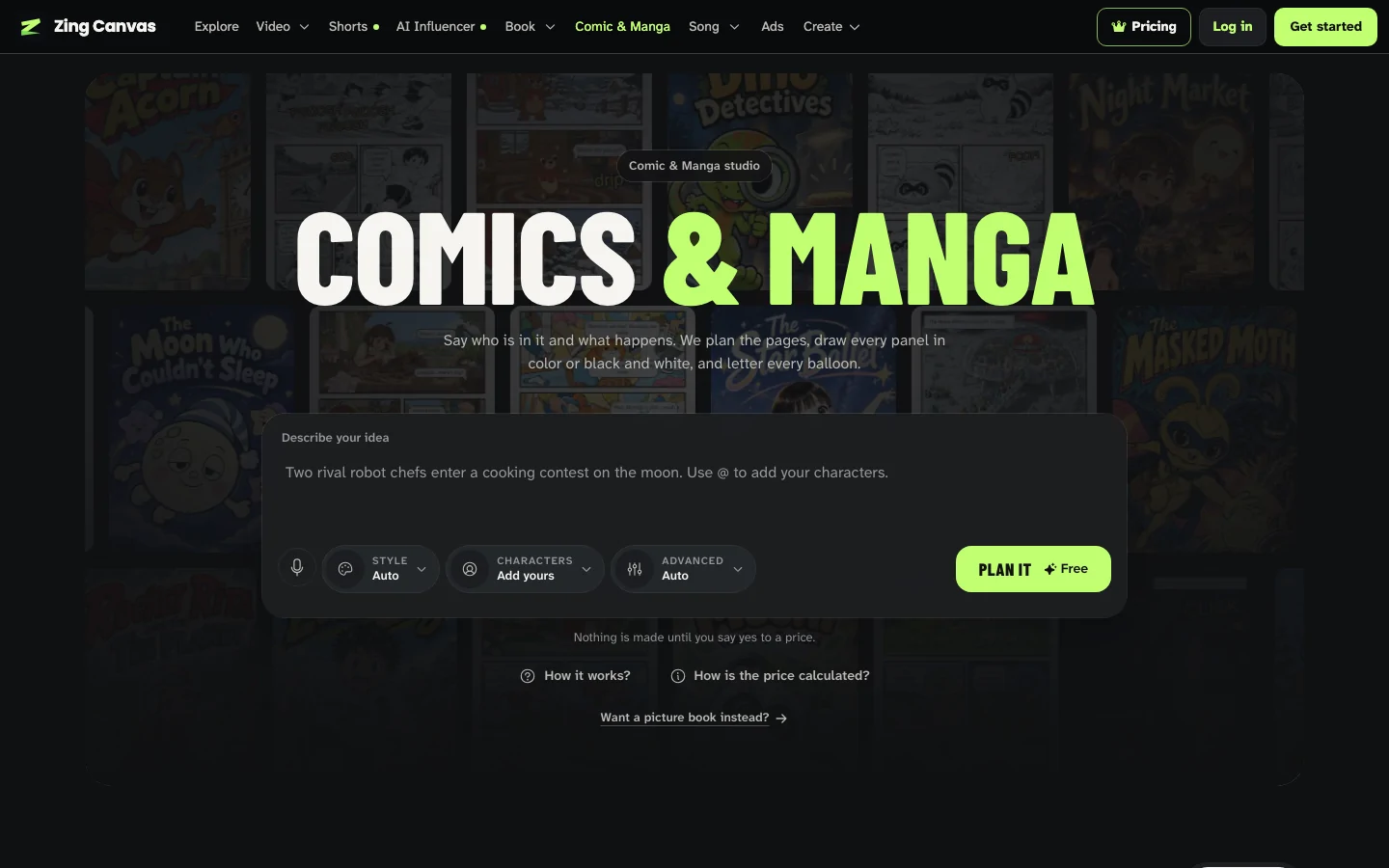
Make a one-page comic strip or a full comic book in color or black-and-white manga, with every balloon lettered. A step-by-step Zing Canvas guide.
8 min read
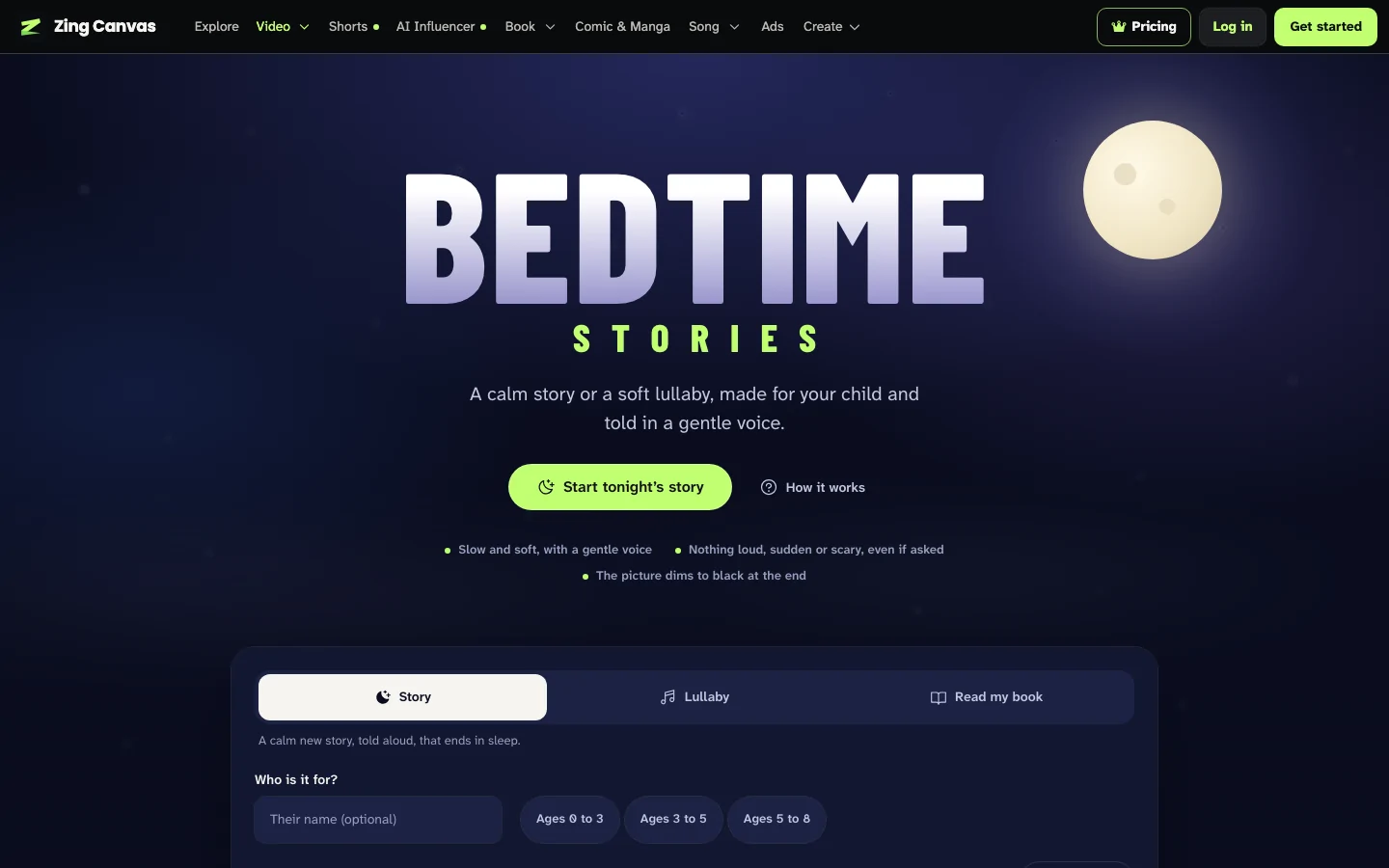
Make a calm bedtime story or lullaby with your child's name in it, told in a gentle voice, then play it in sleep mode. A step-by-step Zing Canvas guide.
7 min read
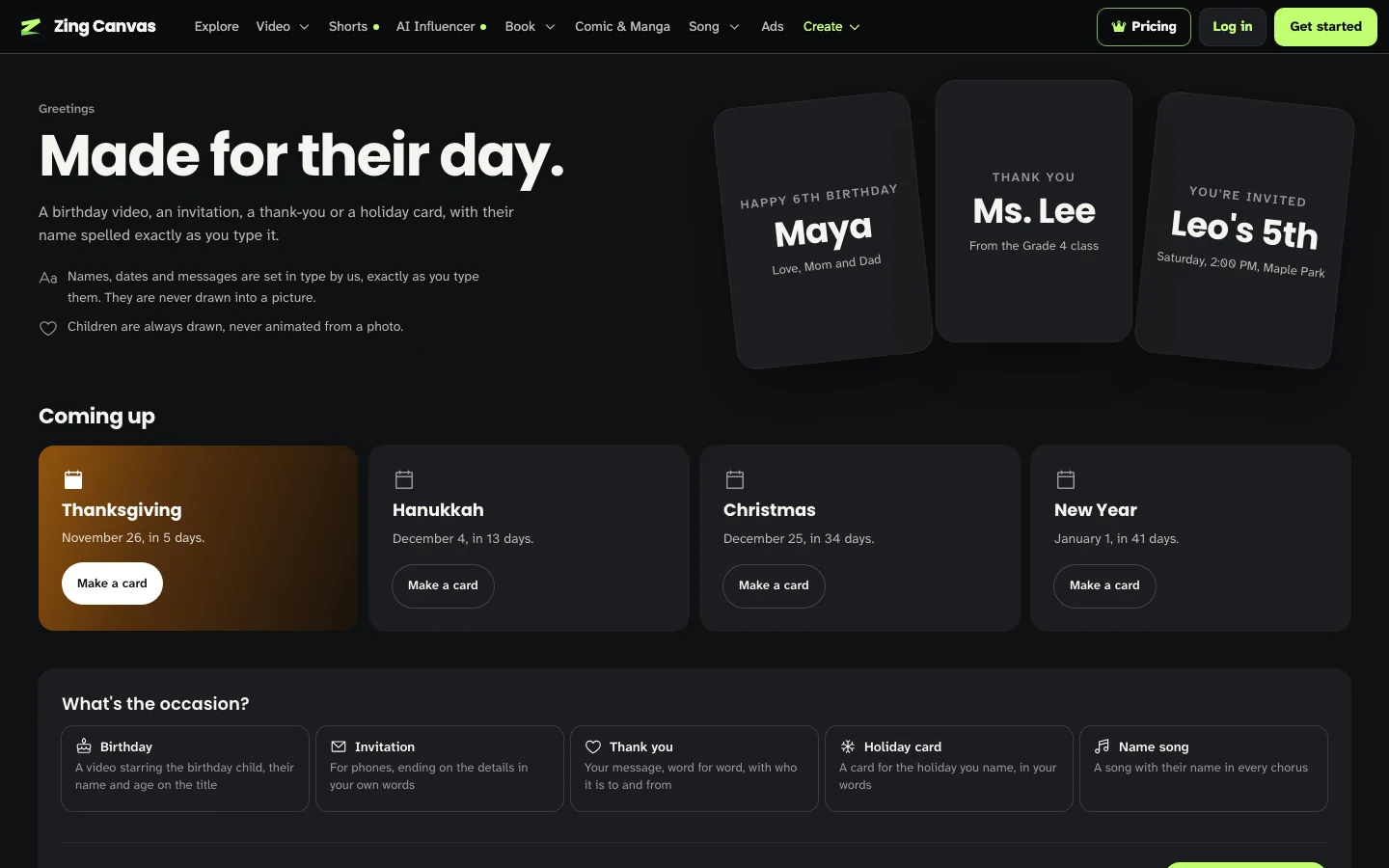
Make a birthday video, party invitation, thank-you or holiday card with names, dates and messages spelled exactly as you type them. Step by step.
7 min read
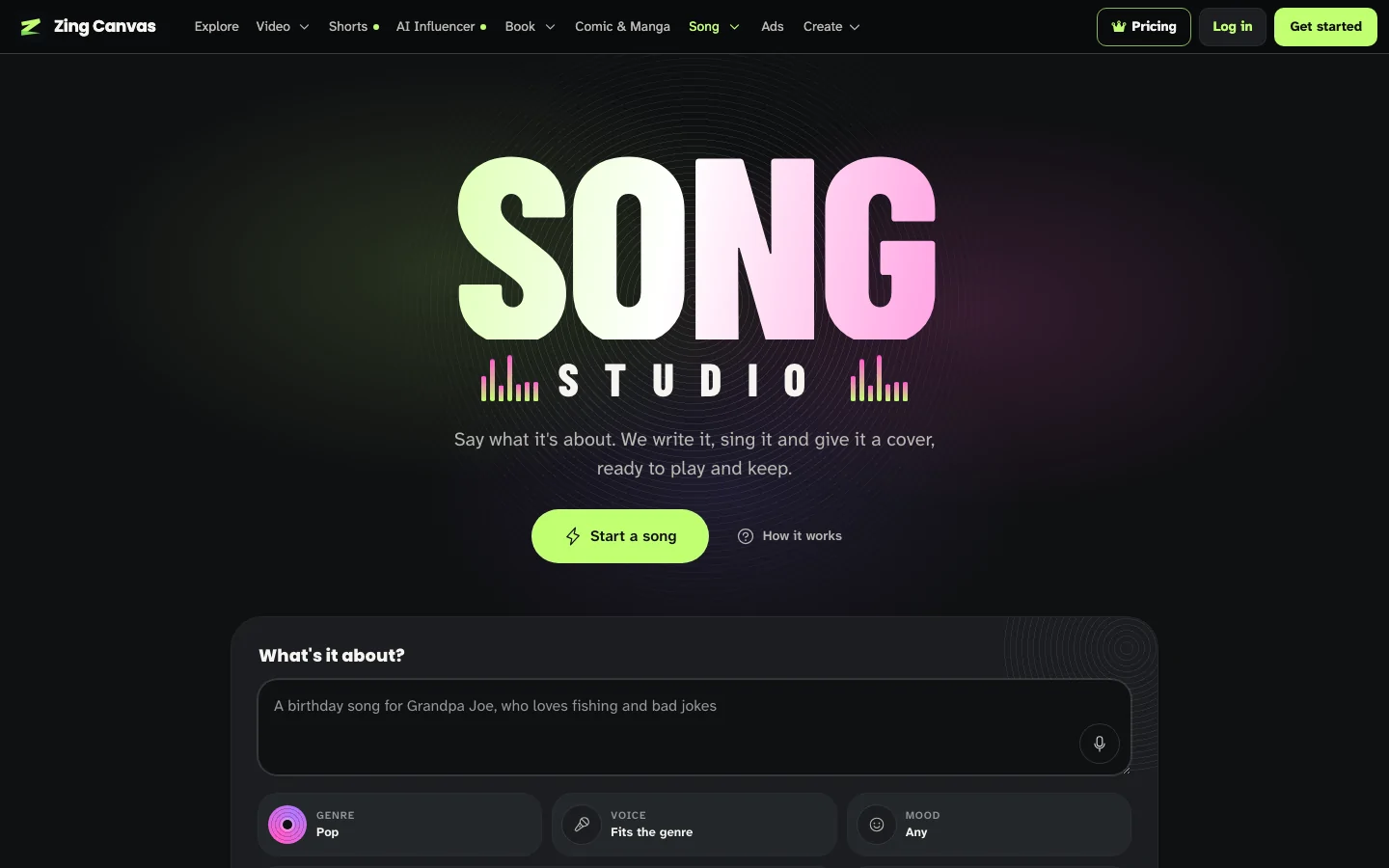
Say what your song is about, pick a genre, mood and voice, and get a finished song with a cover to play and keep. Your own lyrics work too.
6 min read
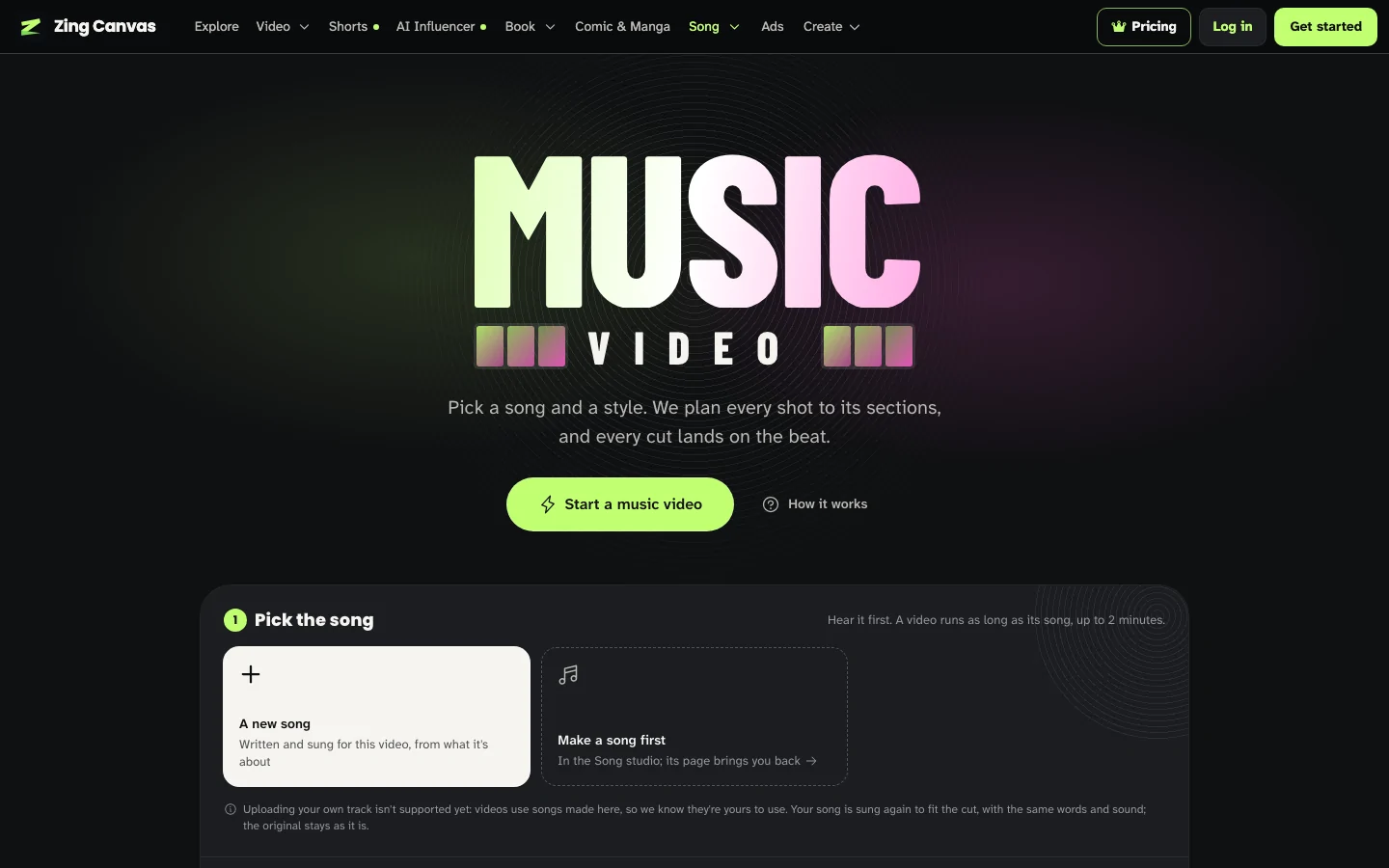
Turn a song into a music video cut on the beat: a performance, a story, a lyric video or a mood piece, in the look you pick. A step-by-step guide.
6 min read
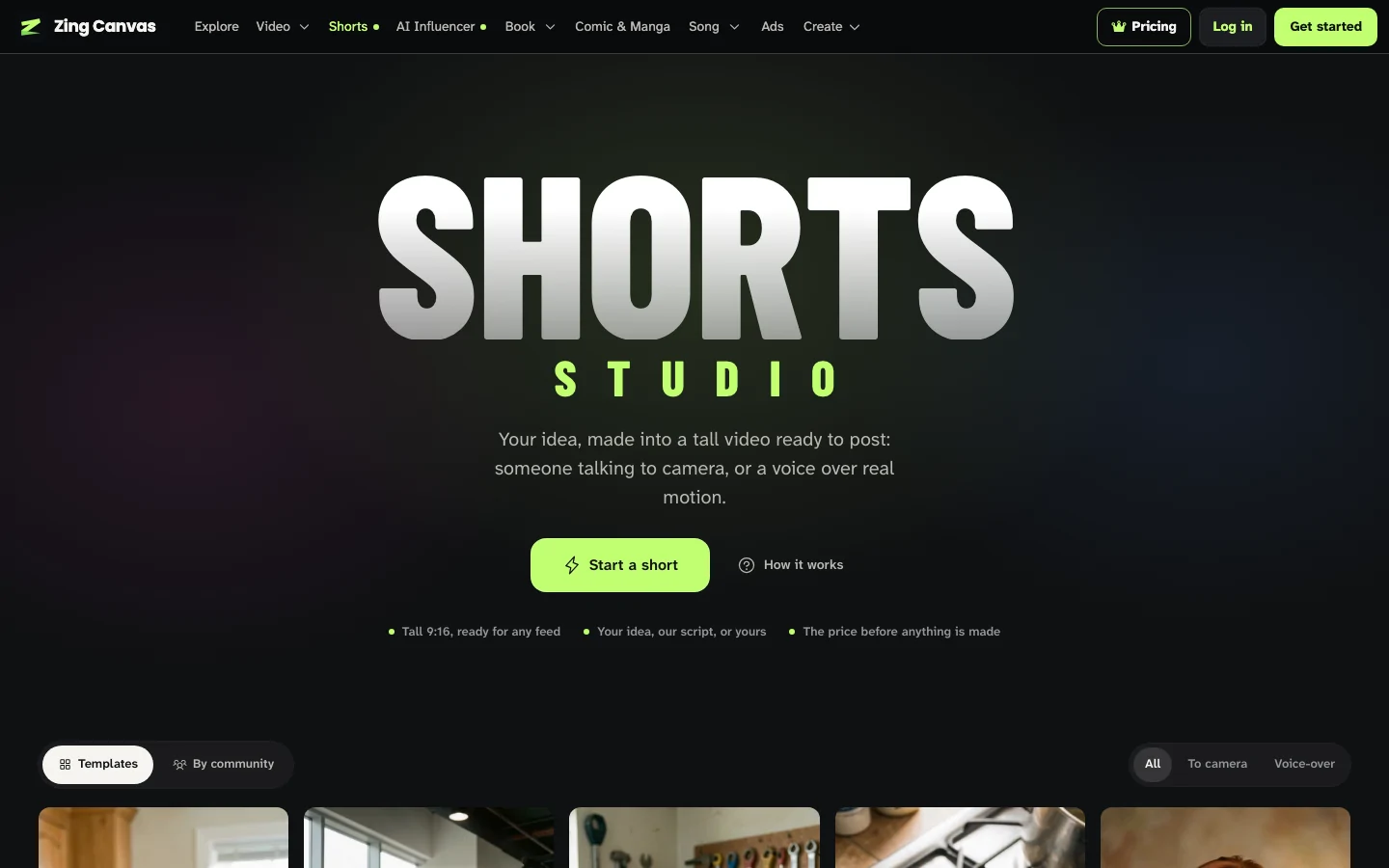
Make a tall 9:16 short with a made-up presenter talking to camera, or a voice over real motion. Pick a template, write the script and post it.
7 min read

Make a made-up presenter say your words to camera, in your language, with a name on screen. Build an AI influencer, write the script, see the price first.
7 min read
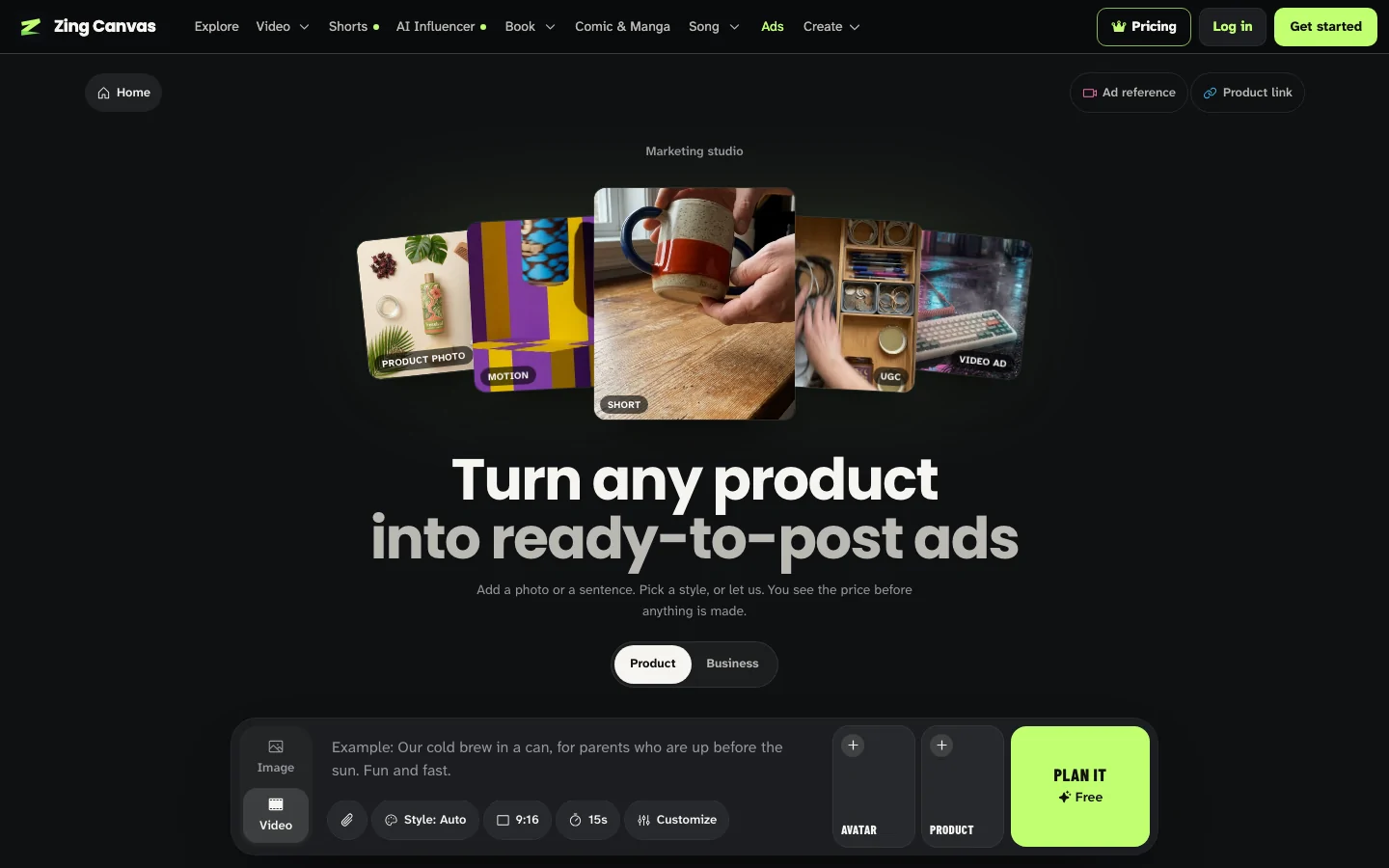
Make a ready-to-post video or image ad from one product photo, your website or your app's screens. Pick a style, a length and a shape, see the price first.
8 min read
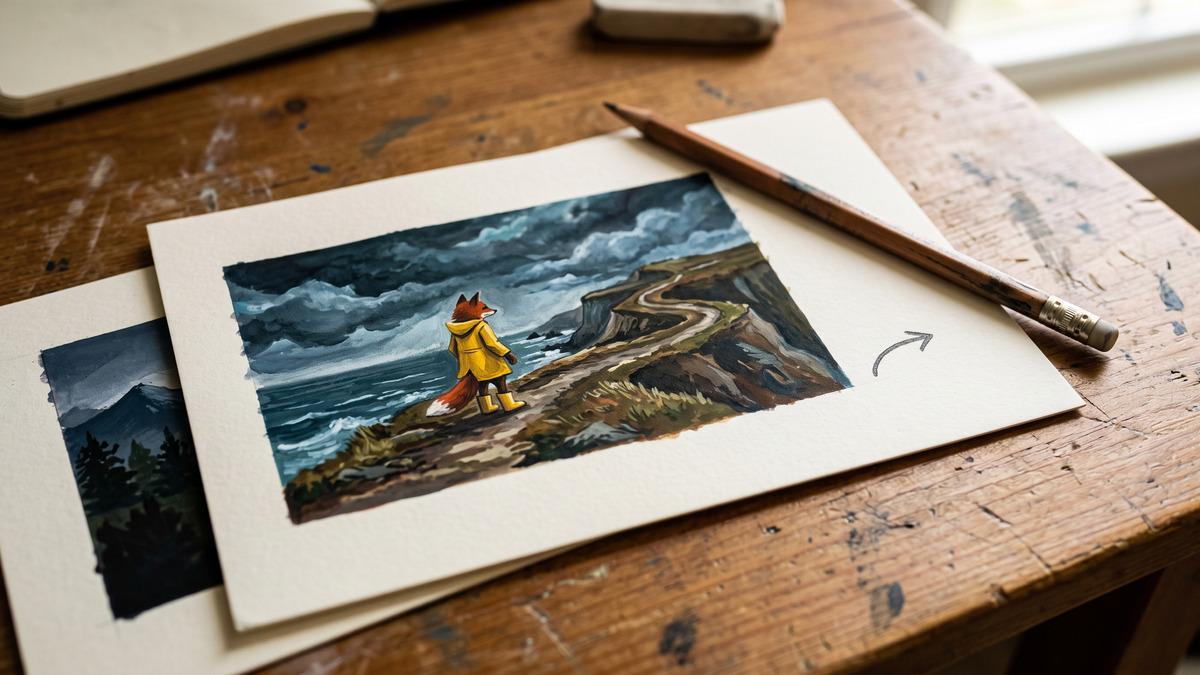
Explain any topic in a few drawn cards with a quiz, read on screen or printed as a worksheet. Pick an age and a look, and see every price on its button.
6 min read
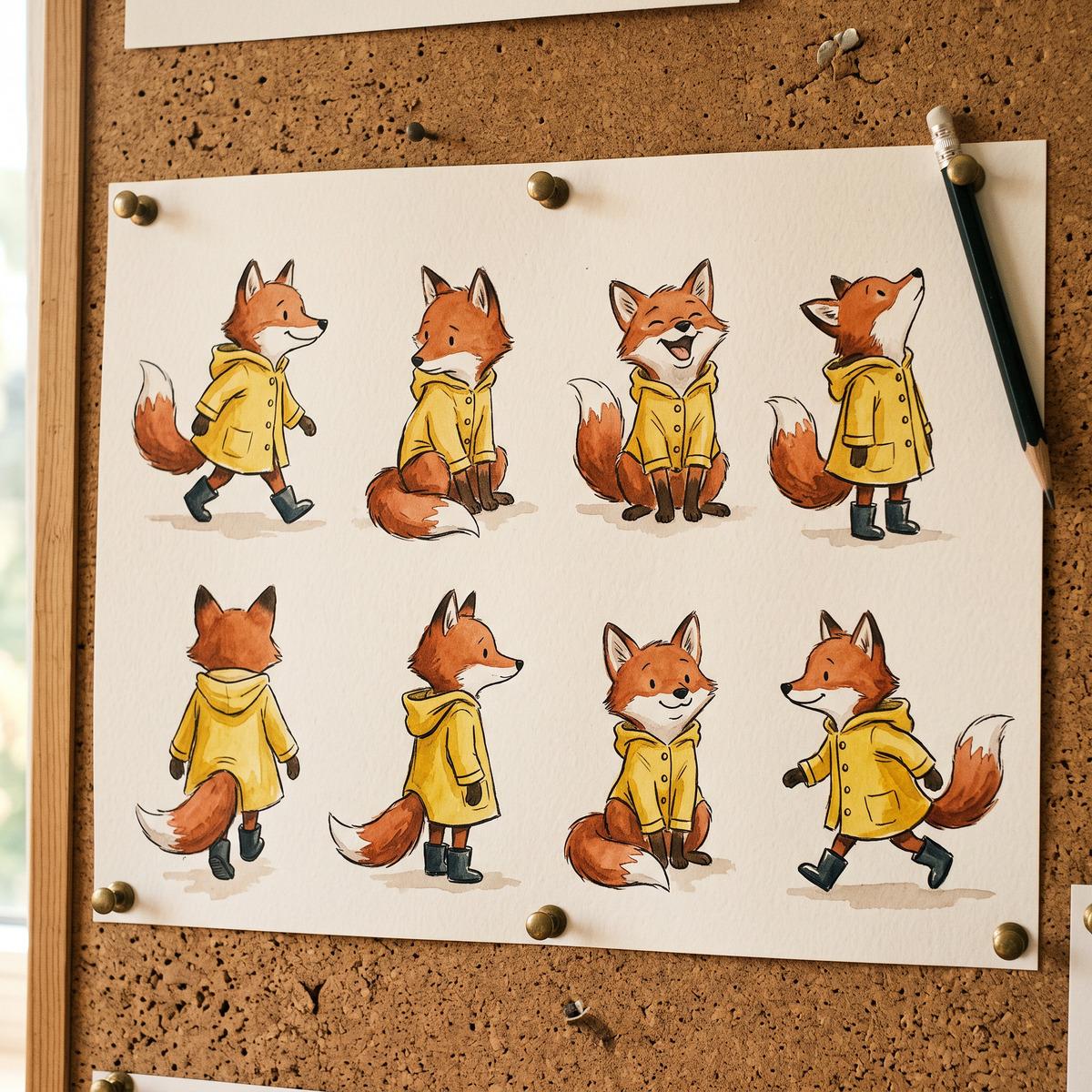
Add a child or teen profile, set a monthly credit limit, choose what they can make, set quiet hours and approve what they share. Step by step.
7 min read
Go as far as a finished storyboard and walk away having spent zero.
Newsletter